|
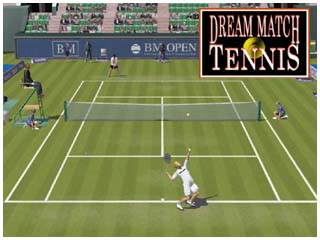
Dream Match Tennis
World Tour
The Online World Tour
for Dream Match Tennis
Pro
IMPORTANT
About the updater (auto update)
The auto update service has been tarminated.
You have to download the
latest version from the site below.
|
NOTE:
If you use router, port 2319 TCP/UDP must be open.
(TCP for host games. UDP for good connection)
Other players might be able to join your game even though you failed the host
test.
There are 3 Dream Match Tennis editions.
System Requirements
Windows 98/ME/2000/XP/Vista/7/8/10
1 GHz CPU
256 MB RAM
DirectX 9.0c
DirectX Compatible 3D Card
IMPORTANT
You have to connect to the Internet to play the online game.
You may not be able to play the online game
while the server is down due to maintenance, etc.
You may not be able to play the online game for lack of online players.
Bimboosoft might terminate the server service
after one month advance announcement.
Internet Troubleshooting
If you cannot create online games,
please check the following settings.
Note that these things will lower the security level.
Dream Match Tennis uses port 2319 TCP/UDP.
< ROUTER >
Please refer to your router manual for specific
instructions
on how to access your router setup and port forward (NAT/port mapping).
Make sure that your PC uses a fixed local IP.
In the default setting, the local IP may change.
Other NAT settings except Dream Match Tennis may cause troubles.
Port Forward Instruction
http://www.portforward.com/
Other recommended settings
- Disable packet filter (80/www).
- Enable PING response.
< SOFTWARE FIREWALL >
Ensure that Dream Match Tennis is a trusted program
for connecting to the Internet, or set the security level to low.
< CONNECTION TEST >
You may try these things to specify the problem.
- Use direct connection through the modem.
- Use DMZ.
- If you are using a modem/router in 1 unit and PPPoE protocol,
use bridge protocol (needs Windows XP or PPPoE software).
If you select bridge protocol, you will be able to connect only one PC.
- Set the router/modem firewall to Low.
©Bimboosoft
|

 Dream Match Tennis